
Why Google Shopping Ads Are the Most Profitable Channel for E-Commerce Brands
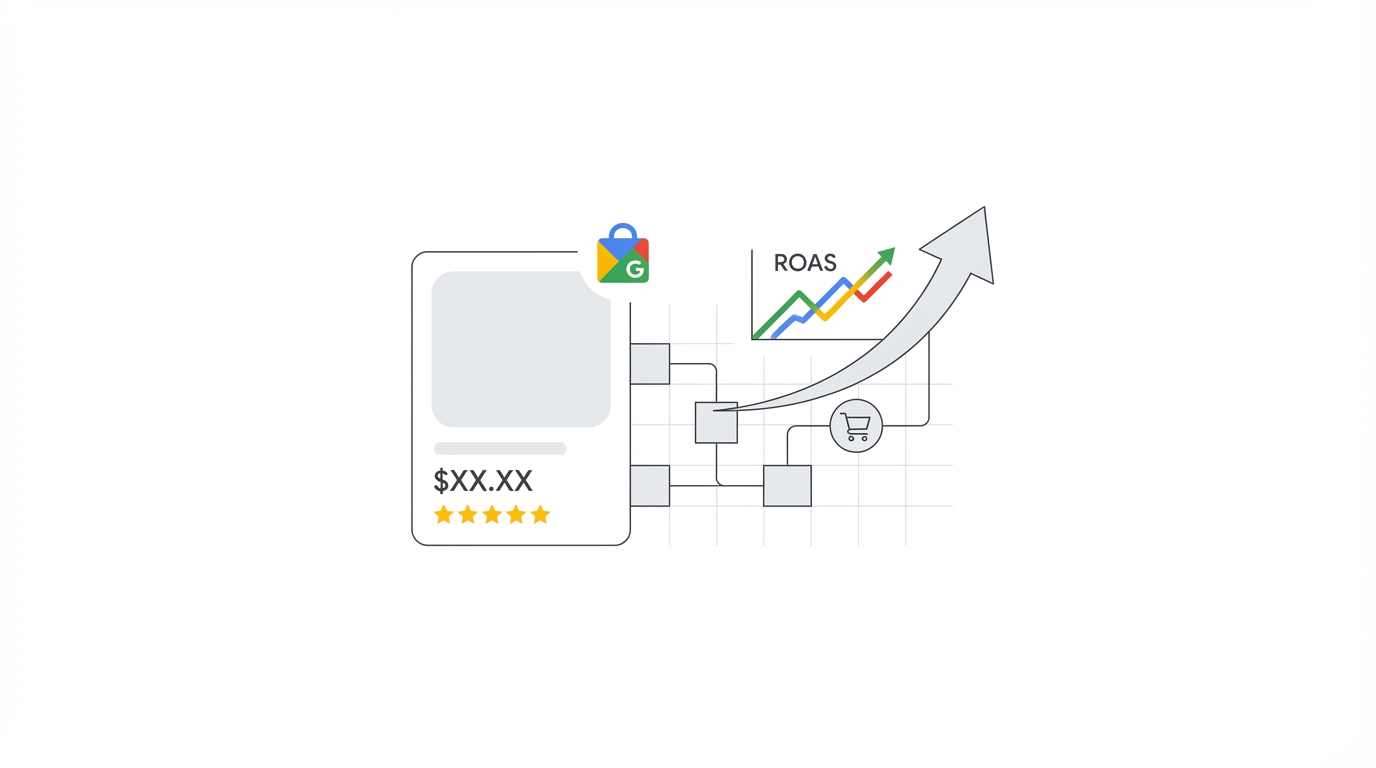
If you sell physical products online, Google Shopping Ads — the visual product listings that appear at the top of Google's search results with product images, prices, and store names — are likely your single highest-ROI advertising channel. Unlike Search Ads, where you pay for someone to click a text link and then have to convince them on your landing page, Shopping Ads show the product, the price, and your store name before the click happens. This pre-qualification effect means Shopping Ads consistently deliver higher conversion rates and stronger ROAS than text-based Search campaigns for most product categories.
In 2026, Google Shopping has evolved significantly with the dominance of Performance Max campaigns, AI-driven bidding, and increasingly sophisticated feed management requirements. This guide walks you through everything you need to know to build and optimise a profitable Google Shopping Ads strategy — from product feed fundamentals to advanced scaling techniques.
Understanding How Google Shopping Works
Unlike Search Ads, where you bid on specific keywords, Google Shopping Ads are driven entirely by your Product Feed — a structured data file submitted to Google Merchant Center that contains all relevant information about your products (title, description, price, images, category, GTIN, etc.). Google's algorithm matches your products to relevant search queries based on the information in your feed, not on keywords you manually specify.
This means your product feed is your most important optimisation lever in Shopping Ads. A poorly optimised feed results in your products being shown for irrelevant searches, achieving low CTR, and generating weak ROAS regardless of how much budget you allocate. A perfectly optimised feed, on the other hand, can dramatically increase impression share, CTR, and conversions — often without spending a single rupee more.
Part 1: Google Merchant Center — Your Foundation
Before you can run Shopping Ads, you need a Google Merchant Center (GMC) account with your product data approved and syncing correctly. Common approval issues that prevent products from showing:
- Mismatched landing page prices: The price in your feed must exactly match the price on your product page at all times. Google crawls your site to verify this, and discrepancies result in product disapprovals.
- Missing or incorrect GTINs (Global Trade Item Numbers): For branded products, GTINs (barcodes) are required. Missing GTINs often result in limited eligibility and higher CPCs.
- Policy violations: Products in restricted categories (supplements, adult content, financial products) require special approval. Review GMC's Shopping ads policies carefully.
- Website not verified or claimed: Your website domain must be verified and claimed in GMC before products can be approved.
Check your Merchant Center diagnostics page regularly. Even experienced advertisers are often surprised to find 10–20% of their product catalogue disapproved or limited due to feed errors.
Part 2: Product Feed Optimisation — The #1 Lever for Shopping Ads Performance
Your product feed is effectively your "keyword list" for Shopping Ads. The quality and completeness of your feed data determines which searches your products appear for, how prominently they appear, and your Quality Score equivalent (which affects CPCs and positioning).
Optimising Product Titles
Your product title is the single most important feed attribute for Shopping Ads. Google reads your title to determine relevance to search queries. A well-optimised title structure for most product categories follows this pattern:
[Brand] + [Product Type] + [Key Attributes (Size, Colour, Material, Gender, Model)]
Examples:
- Poor: "Blue Running Shoe" → Better: "Nike Air Zoom Pegasus 40 Men's Running Shoes — Blue/White — Size 10 UK"
- Poor: "Women's Kurta" → Better: "Libas Women's Cotton Straight Kurta — Navy Blue — Sizes XS–3XL — Festive Collection"
Titles can be up to 150 characters, but the first 70 characters are most important as they display in the Shopping listing. Front-load your most important keywords. Research what searchers actually type using Google's Search Terms Report from your existing campaigns and Google's Keyword Planner for Shopping-specific insights.
Optimising Product Descriptions
While descriptions do not display in the Shopping listing itself, they contribute to Google's relevance matching algorithm. Write keyword-rich descriptions (up to 5,000 characters) that naturally incorporate long-tail product search terms. Include material composition, dimensions, use cases, compatibility information, and any unique selling points. Do not stuff keywords — write for both humans and algorithms.
Optimising Product Category and Google Product Category (GPC)
Your Google Product Category (GPC) tells Google's algorithm exactly what type of product you are selling. A precise GPC significantly improves your product's eligibility for relevant searches. Navigate to Google's product taxonomy (available as a downloadable text file) and find the most specific applicable category for each product rather than a broad parent category.
High-Quality Product Images
Product images are the most visible element in a Shopping listing — they determine whether someone clicks your ad or a competitor's. Follow these image best practices:
- Use clean white or light grey backgrounds for main product images (Google recommends this and penalises cluttered backgrounds)
- Minimum image size of 800x800px; 1,000x1,000px or larger is ideal for zoom functionality
- Show the full product clearly — no watermarks, promotional text, or logos overlaid on the main image
- Add lifestyle images as additional images (up to 10) — these are shown in the expanded Shopping display and in Discovery campaigns
Part 3: Standard Shopping vs. Performance Max — Which Should You Use in 2026?
This is the most frequently asked question in Google Shopping strategy today. Both campaign types serve product listings, but they work very differently:
- Standard Shopping Campaigns give you full control over bidding, targeting, and product grouping. You can set specific bids for individual products or product groups, add negative keywords, and see clear search terms data. They are more transparent and controllable, but require more manual management.
- Performance Max (PMax) Campaigns use Google's AI to serve your product listing ads, display ads, YouTube ads, Gmail ads, and Discovery ads across the entire Google network — all from a single campaign. You provide asset groups (headlines, descriptions, images, videos, and your product feed) and Google's algorithm decides where, when, and to whom to show your ads. PMax consistently delivers stronger ROAS for established e-commerce accounts with sufficient conversion history (50+ conversions per month), but offers much less transparency and control.
Our recommendation for 2026: Run both in parallel, but keep them in separate campaigns. Use Standard Shopping to protect your branded and best-selling products with precise bidding control, and use Performance Max for broader prospecting and scaling. Ensure your Standard Shopping campaigns have higher priority settings and robust negative keyword lists to prevent them from cannibalising each other.
Part 4: Bidding Strategy for Shopping Ads
Your bidding strategy determines how Google manages your bids in the auction to achieve your goals. For Shopping Ads in 2026:
- Target ROAS (tROAS): The best choice for accounts with 30+ purchase conversions per month. Set your target ROAS based on your minimum profitable ROAS (consider your gross margin). If your margin is 40% on a product, your minimum break-even ROAS is 2.5x. Start conservatively (e.g., 4x) and adjust based on performance data.
- Maximise Conversion Value: Use this when you want to maximise total revenue within a fixed budget without a specific ROAS constraint. Best for accounts in growth phase.
- Manual CPC: Still viable for very new accounts or highly specific product group segmentation, but increasingly outperformed by Smart Bidding for most accounts with sufficient data.
Part 5: Campaign Structure — Segmenting for Profitability
Not all products have the same margin, volume, or competitive landscape. A well-structured Shopping campaign segments your catalogue to apply the most profitable bidding strategy to each group. The most common segmentation frameworks are:
- By Gross Margin: Create separate campaigns or ad groups for high-margin and low-margin products. Bid more aggressively on high-margin products where you can afford higher CPCs.
- By Performance: Identify your best-selling and worst-selling products. Create separate campaigns for "heroes" (top 20% by revenue) and "long tail" products. Allocate more budget to heroes.
- By Brand vs. Non-Brand Queries: Use negative keywords to separate branded search traffic (very high intent, should convert at high ROAS) from non-branded generic shopping traffic.
- By Price Point: High-ticket products can support higher CPCs; low-ticket products need tight CPA control.
Part 6: Negative Keywords in Shopping Campaigns
Even though you cannot target specific keywords in Shopping, you can and must add negative keywords to prevent your products showing for irrelevant queries. Run your Search Terms Report weekly and add irrelevant, low-intent, and competitor-brand terms as negatives. For a fashion or apparel brand in India, common negative keywords include terms like "second hand", "rent", "wholesale", "factory price", and competitor brand names you do not want to pay for.
Part 7: Shopping Ads for Indian E-Commerce Brands — Key Considerations
If you are running Google Shopping Ads for an Indian e-commerce store, there are specific optimisations worth noting:
- Currency and pricing accuracy: Ensure your GMC account is set to INR and your prices are always updated in real time, particularly during sales events like Diwali, Big Billion Day, and Republic Day sales.
- Product localisation: Include regional names and descriptors in product titles where relevant (e.g., "Banarasi Silk Saree" rather than just "Silk Saree") to capture high-intent regional searches.
- Festive season budgeting: Google Shopping CPCs spike significantly during major Indian festive seasons. Build inventory and budget buffers for October–November (Diwali), January (Republic Day), and August (Independence Day/Rakshabandhan) shopping windows.
Key KPIs to Track for Google Shopping Performance
Monitor these metrics weekly for your Shopping campaigns:
- ROAS by Product Group: Identify which product categories drive the strongest and weakest ROAS and adjust budget allocation accordingly
- Impression Share and Lost IS (Budget/Rank): If you are losing impression share to budget, increase spend on profitable campaigns. If losing to rank, improve your feed quality or increase bids.
- Click Share: What percentage of eligible Shopping clicks you are capturing vs. competitors
- Conversion Rate by Device: Mobile conversion rates are typically lower than desktop for high-ticket products — adjust device bid modifiers accordingly
- Product-Level CPA: Some products will be highly profitable in Shopping; others will drain your budget. Pause or limit spend on consistently unprofitable products.
Conclusion: The Feed Is the Strategy
The fundamental insight that separates profitable Google Shopping advertisers from everyone else is this: your product feed is your strategy. Before you touch your bids, your campaign structure, or your budget, invest time in making your product titles, descriptions, images, and categories as optimised as possible. A great feed with mediocre campaign structure will almost always outperform a mediocre feed with perfect campaign structure.
At Ads Kong, we have helped e-commerce brands across India and internationally achieve consistent 5–10x ROAS on Google Shopping through rigorous feed management, intelligent campaign structure, and data-driven bidding strategy. If you want a free Shopping Ads audit and a clear roadmap to improving your ROAS, reach out to the Ads Kong team today.