The Google Ads ROI Problem Most Businesses Do Not Talk About
Here is a truth that most Google Ads agencies do not want you to know: the majority of Google Ads accounts waste between 30–60% of their budget on irrelevant clicks. This is not a bold claim — it is a consistent finding across hundreds of account audits. Clicks from searchers with zero intent to buy, clicks from competitors researching your offers, and clicks from broad match keywords that have nothing to do with your product or service.
The good news? You do not need to spend more to get more leads. In most cases, a rigorous account audit and a set of targeted optimisations can dramatically improve your Google Ads ROI within 30–60 days — without increasing your budget by a single rupee. This guide walks you through exactly how to do it.
Step 1: Run a Search Terms Report and Build a Negative Keyword List
Open your Google Ads account and navigate to Keywords → Search Terms. This report shows you every actual search query that triggered your ads and resulted in a click. Spend 30 minutes reviewing this report and you will almost certainly find dozens — if not hundreds — of irrelevant search terms burning your budget.
Common examples include:
- Searches containing competitor brand names (unless you are running competitor campaigns intentionally)
- Searches with words like "free", "DIY", "how to", "Wikipedia", or "jobs" when you are a paid service provider
- Searches in languages you do not serve
- Searches for products or services that are completely unrelated to your offering, triggered by overly broad keywords
Add all irrelevant terms as negative keywords at the campaign or account level. Building a robust negative keyword list is the single highest-ROI optimisation task in Google Ads, and most accounts never do it properly. We typically find ₹15,000–₹40,000 in monthly wasted spend in accounts spending ₹1 lakh/month or more.
Step 2: Audit Your Keyword Match Types
Broad match keywords give Google's algorithm maximum latitude to show your ads for related searches. When your account has strong conversion data and high-quality Smart Bidding signals, broad match can be extremely powerful. But in newer accounts or those with limited conversion history, broad match often drives enormous irrelevant traffic.
Review your keyword portfolio and consider shifting high-spend, low-conversion broad match keywords to phrase match or exact match until you have better control over where your budget goes. A common structure that delivers strong results is:
- Exact match for your highest-value, highest-intent core keywords (e.g., [plumber in Delhi])
- Phrase match for variations and modifier terms (e.g., "emergency plumber Delhi")
- Broad match reserved for Smart Bidding campaigns with 30+ conversions/month to feed the algorithm sufficient data
Step 3: Fix Your Quality Score to Lower CPCs
Google's Quality Score (QS) is a 1–10 rating assigned to each keyword, reflecting the expected relevance of your ad and landing page to that keyword. A QS of 7 or above means you pay significantly less per click than competitors with a lower QS for the same position. A QS of 3 or below means you are paying a penalty — sometimes 2–3x more per click than you should.
Quality Score is determined by three factors:
- Expected Click-Through Rate (CTR): How likely your ad is to be clicked when shown for that keyword
- Ad Relevance: How closely your ad copy matches the user's search intent
- Landing Page Experience: How relevant, fast, and trustworthy your landing page is for that keyword
The fastest way to improve Quality Score is to ensure your ad copy contains the exact keyword being searched (use Dynamic Keyword Insertion sparingly), and that your landing page headline and content directly address the search query. Tight, themed ad groups — sometimes called Single Keyword Ad Groups (SKAGs) or close-variant groupings — where each ad set targets a tightly related cluster of 3–5 keywords, consistently achieve higher Quality Scores than broad, unfocused ad groups.
Step 4: Switch to a Smarter Bidding Strategy
Are you still using Manual CPC bidding? In 2026, Google's Smart Bidding strategies — particularly Target CPA and Target ROAS — consistently outperform manual bidding for accounts with sufficient conversion data (generally 30+ conversions per month). Smart Bidding uses machine learning to set bids in real time for each individual auction, factoring in signals like device, location, time of day, audience, and search query intent that manual bidding cannot account for.
If you are transitioning from manual bidding:
- Start with Maximise Conversions to build up conversion history quickly
- Once you have 30+ conversions in 30 days, switch to Target CPA and set your target based on your current average CPA
- As you accumulate more data and hit your CPA targets consistently, gradually lower your Target CPA by 5–10% every 2 weeks to improve efficiency
Step 5: Optimise Your Landing Pages for Conversion Rate
Your Google Ads click is only as valuable as the landing page it sends traffic to. A 1% improvement in your landing page conversion rate has the same financial impact as a 1% reduction in your CPC — but most businesses obsess over bid optimisation while ignoring their landing pages entirely.
The most impactful landing page improvements for lead generation and e-commerce are:
- Speed: Every 1 second of additional load time reduces conversions by approximately 7%. Use Google's PageSpeed Insights to diagnose and fix issues. Aim for a Core Web Vitals score in the "green" range.
- Message Match: Your landing page headline must directly mirror the promise made in your ad copy. A disconnect between ad and landing page creates instant distrust and high bounce rates.
- Clear CTA above the fold: Your call-to-action button should be visible without scrolling on both desktop and mobile. Use action-oriented copy like "Get Your Free Quote" rather than generic "Submit".
- Trust signals: Google reviews, industry certifications, client logos, and specific quantified results (e.g., "Trusted by 500+ clients") dramatically increase conversion rates, especially for high-ticket services.
- Minimal form fields for leads: Every additional field on a lead form reduces submissions by approximately 10%. For initial contact, Name, Phone, and Email is sufficient in most industries.
Step 6: Leverage Ad Extensions (Assets) to Maximise CTR
Google Ads assets (formerly extensions) are free additions to your ad that take up more real estate on the search results page and improve your CTR without additional cost. Accounts that use 4 or more asset types consistently see 10–15% higher CTRs than those using none. Make sure you are using:
- Sitelink assets: Link to specific pages on your site (Services, Pricing, Reviews, Contact)
- Callout assets: Short phrases highlighting your USPs (e.g., "24/7 Support", "Free Consultation", "No Long-Term Contracts")
- Structured snippet assets: List specific services, brands, or product categories
- Call assets: Add your phone number to allow mobile users to call directly from the SERP
- Location assets: Essential for local service businesses — link your Google Business Profile
Step 7: Use Audience Bidding to Prioritise Your Best Customers
Google Ads allows you to layer audience targeting on top of keyword targeting through Audience Bid Adjustments. This means you can automatically bid more aggressively for searchers who are also on your remarketing list (past website visitors), have similar characteristics to your existing customers, or fall into high-value demographic segments.
At minimum, every Google Ads account should have these audience lists applied with bid adjustments:
- Website visitors (last 30 days): +30–50% bid adjustment — these people already know you
- Past converters/customers: +20–30% — high LTV repeat purchase potential
- Customer Match list (uploaded email list): your most valuable audience for B2B and high-ticket services
Measuring What Matters: The Only Google Ads Metrics That Drive ROI
Stop reporting on impressions and clicks. The metrics that directly correlate with business results are:
- Conversion Rate (CVR): Percentage of clicks that result in a desired action (lead, sale, call)
- Cost Per Conversion (CPA): Your average spend to acquire one lead or customer
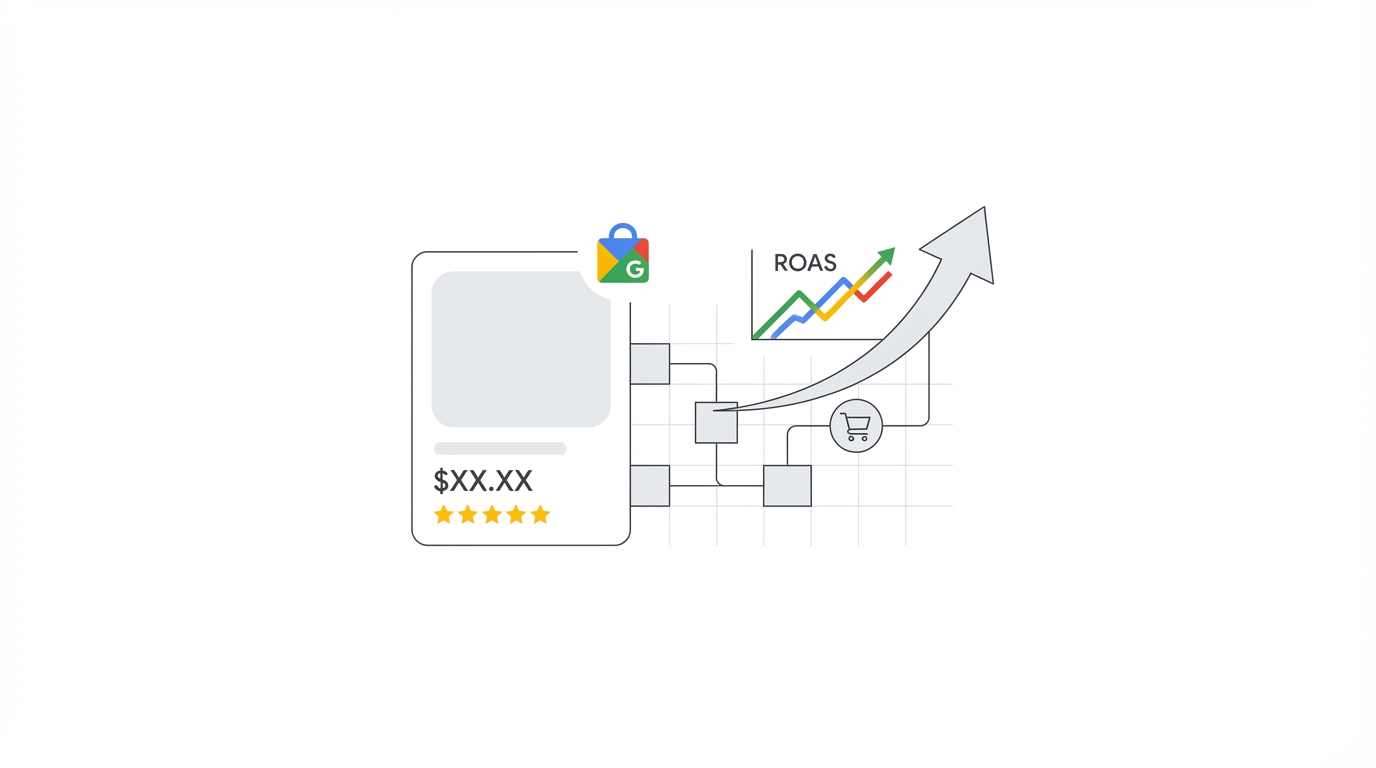
- ROAS: Revenue generated per rupee/dollar of ad spend (for e-commerce)
- Impression Share (IS) and Lost IS: What percentage of eligible impressions you are capturing vs. losing to budget or rank constraints
- Search Top Impression Share: How often your ads appear in the top positions above organic results
The Bottom Line: Small Optimisations, Massive ROI Impact
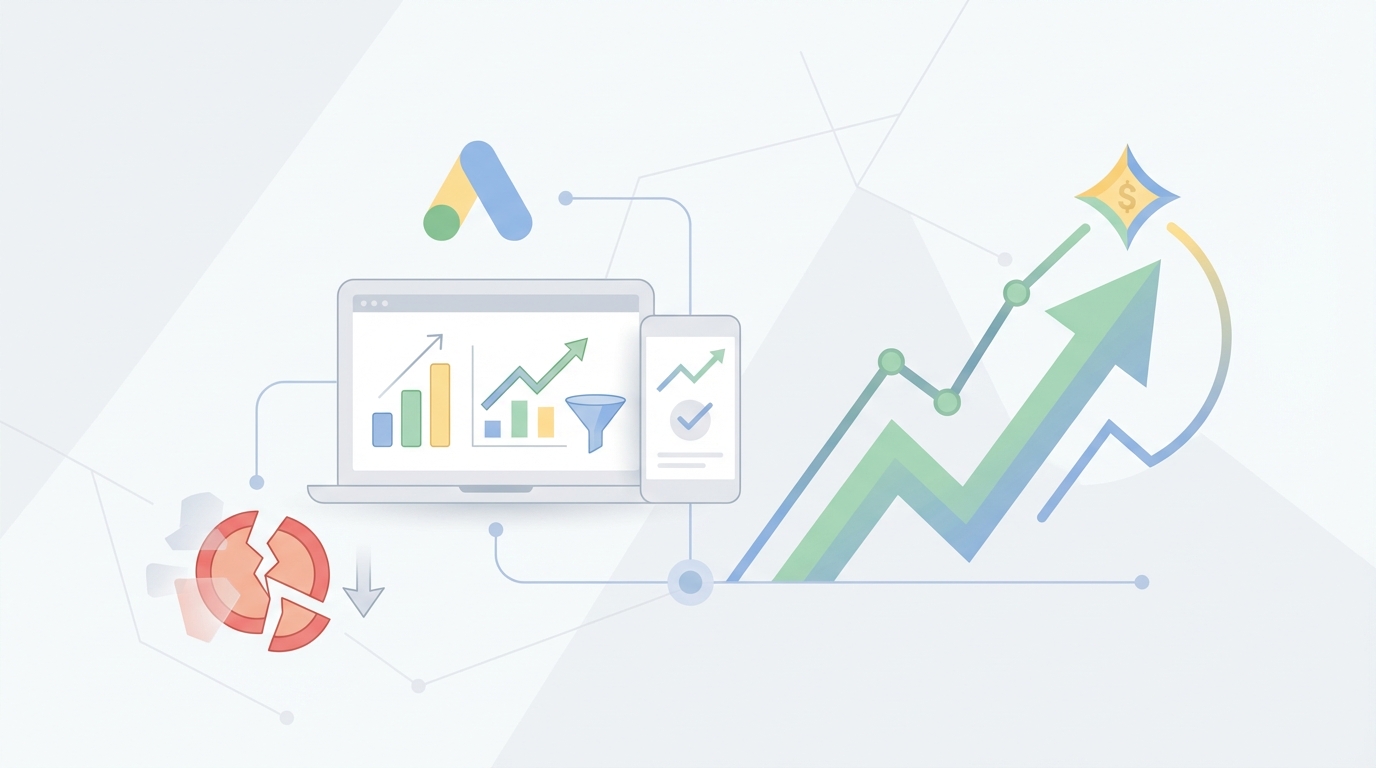
Improving Google Ads ROI is not about finding a secret hack or spending more money. It is about relentlessly eliminating waste, improving relevance at every touchpoint, and letting the algorithm work with clean, accurate conversion data. The seven steps in this guide can realistically improve the ROI of most underoptimised Google Ads accounts by 40–100% within 60–90 days.
If you want an expert team to audit your Google Ads account and identify exactly where your budget is leaking, claim your free Ads Kong audit today. Our certified Google Ads specialists will deliver a detailed, actionable breakdown of every optimisation opportunity in your account — with zero obligation.